Was My Invoice Ignored? How to Track Billing Emails Professionally
Executive Summary
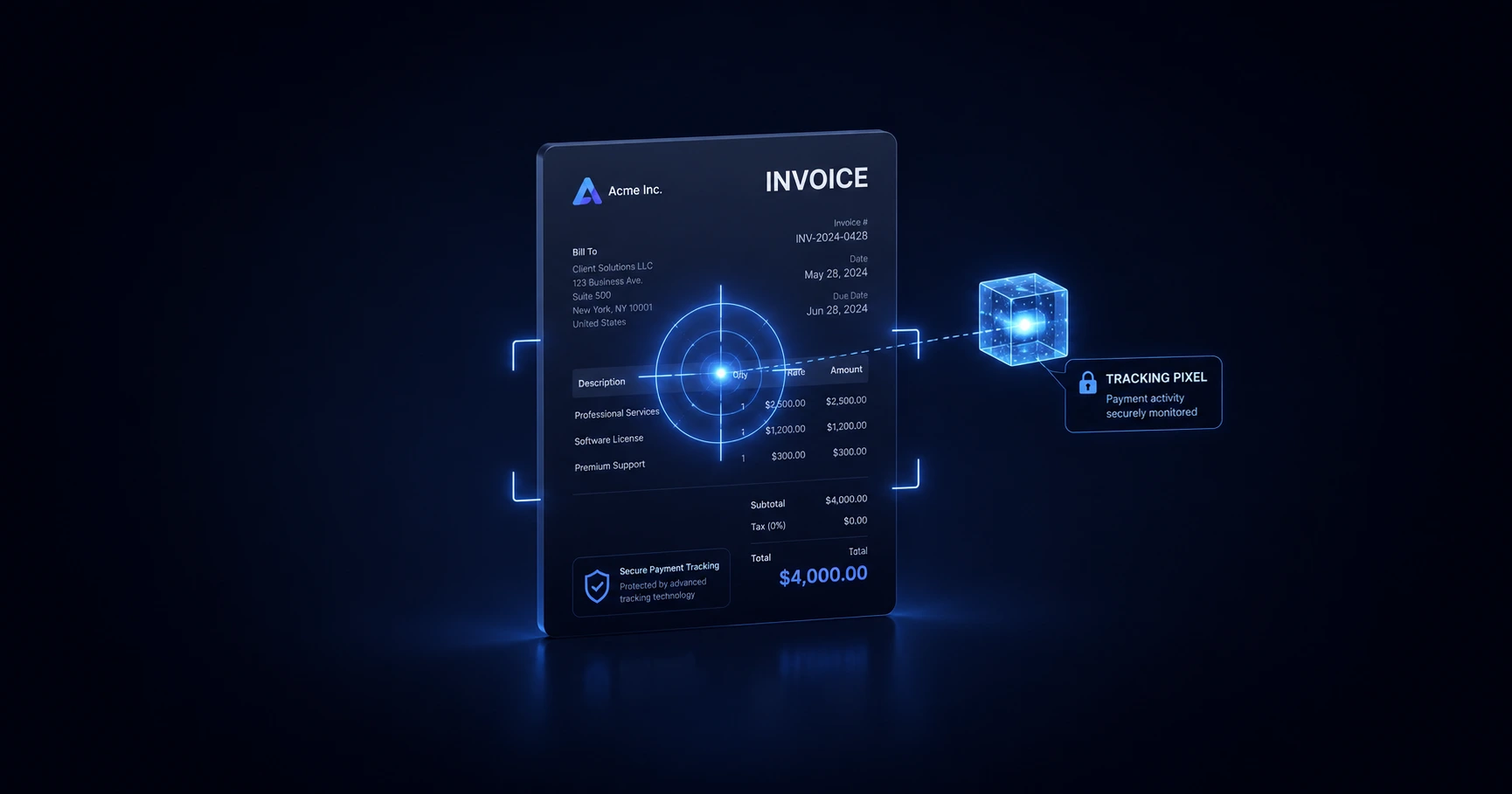
Unpaid invoices cause massive anxiety because independent professionals are often left guessing if the email was actually received. By attaching a transparent 1x1 tracking pixel to your billing emails, you can definitively separate "lost in the spam folder" from "read and actively ignored." This exact logistical data empowers you to time your follow-ups professionally without sounding desperate.
The Anxiety of the Unpaid Invoice
Few things are more frustrating for a freelancer or agency owner than sending a final invoice and receiving total silence. As the days tick by past the net-30 deadline, you are forced into an uncomfortable guessing game. Did the email go to their spam folder? Did the accounts payable department overlook it? Or is the client actively dodging the bill?
When you operate blindly, your follow-up emails often sound either overly apologetic ("Just making sure you got this!") or unnecessarily hostile. Email tracking eliminates the guesswork by providing concrete delivery logistics. Knowing exactly when and how often your invoice was viewed completely shifts the power dynamic back in your favor.
Why Traditional Read Receipts Look Unprofessional
If you want to track an invoice, you might be tempted to use the built-in "Request a Read Receipt" function found in enterprise webmail or desktop clients. This is almost always a mistake.
Traditional read receipts force a pop-up window onto the recipient's screen, aggressively demanding they click a button to confirm they read the email. Not only is this highly annoying, but a client who is delaying payment will instinctively click "No." Furthermore, using "free" mass-marketing browser extensions often injects branded watermarks (e.g., "Tracked by FreeCRM") at the bottom of your bill. This immediately signals a lack of trust and makes your professional 1-to-1 communication look like a bulk marketing blast.
Separating Spam from "Read and Ignored"
The correct way to monitor a billing email is by using a silent, unbranded 1x1 tracking pixel. This invisible image sits seamlessly in the background of your email, quietly pinging the server when the client opens the message.
If you send an invoice and see zero opens after three days, there is a high probability the email was caught by an enterprise spam filter. You can safely send a polite "checking in" email. However, if your tracking dashboard shows the email was opened four separate times over the course of a week, you have absolute confirmation the client has seen the bill and is actively delaying payment.
The Professional Follow-Up Strategy
Email tracking provides the intelligence needed to execute a confident follow-up strategy. But to trust that data, you must ensure you are looking at human opens, not automated security bots scanning your attachments.
MailPing provides the perfect architecture for this specific use case. Our proxy-aware engine actively filters out the data center bots that frequently scan PDF invoices, ensuring your timeline only displays genuine human engagement. Furthermore, MailPing's transparent logs provide the connecting Network (ASN), Country, and edge-masked IP address of the recipient. This allows you to verify exactly when the accounts department reviewed your email, empowering you to pick up the phone and follow up with total confidence.
Explore the Use Cases & Strategy Cluster

The Strategic Guide to Email Tracking: Professional Use Cases
By utilizing an invisible, proxy-aware tracking pixel, independent professionals can confidently manage critical communications.

Try MailPing for free
Generate an invisible, proxy-aware tracking link to confidently verify when your important emails are opened. No CRM required, zero inbox access.
Related Questions
Is it professional to track an invoice email?
Yes, tracking an invoice is the digital equivalent of sending certified mail and is a standard business practice. However, using bulky CRM extensions that insert visible "Tracked by" watermarks into your email looks highly unprofessional. To maintain discretion and professionalism, you should use an unbranded, mathematically invisible 1x1 tracking pixel like MailPing.
How can I tell if a client is ignoring my bill?
By attaching a tracking pixel to your billing email, you will receive network confirmation when the email is opened. If your dashboard shows multiple human open events over several days but you receive no reply or payment, the client is actively ignoring the bill. MailPing's proxy-aware engine ensures you don't confuse automated enterprise security scans with genuine human opens, giving you confidence in your data.