Email Tracking vs. Read Receipts: Which is Better?
Executive Summary
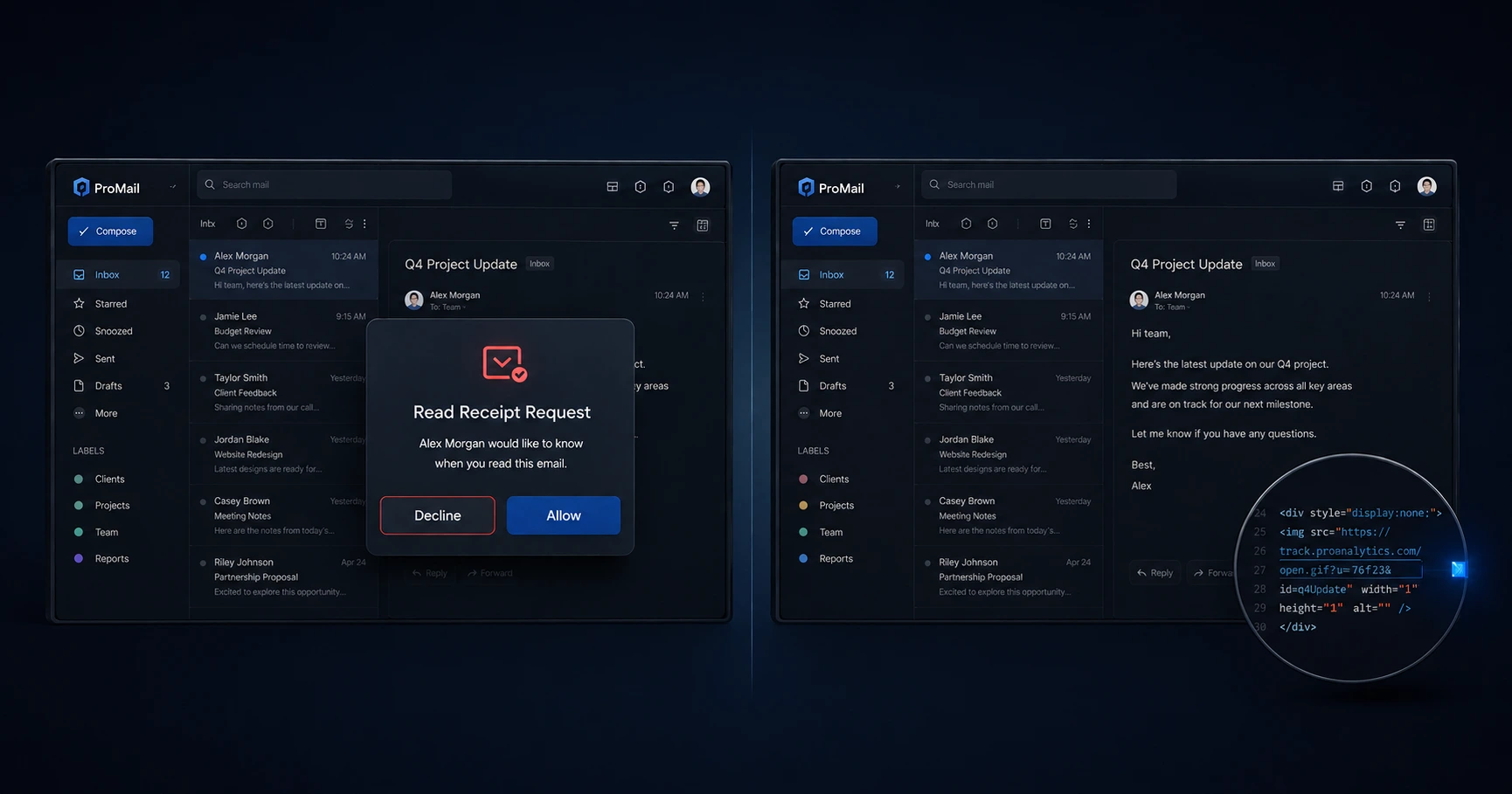
Pixel-based email tracking is vastly superior to traditional read receipts for professional communications. Traditional read receipts rely on an intrusive pop-up window that forces the recipient to actively consent to being tracked, which is frequently declined. Pixel tracking operates silently in the background at the network level, providing highly accurate, frictionless delivery confirmation without compromising the recipient's user experience.
The Friction of Traditional Read Receipts
Traditional read receipts (often configured via Microsoft Outlook or enterprise Gmail accounts) require active user participation. When a recipient opens an email containing a standard read receipt request, their email client halts the experience by generating a prominent dialog box. This pop-up asks the user to explicitly confirm that they have read the message and are willing to notify the sender.
Psychologically, this creates immediate friction. The average professional handles dozens of emails a day and naturally views pop-ups as an annoyance. More importantly, many users feel uncomfortable explicitly signaling that they have read an invoice or a proposal before they are fully ready to reply. As a result, the overwhelming majority of users simply click "No" or "Dismiss." When this happens, the sender receives zero data, rendering the read receipt completely useless.
How Pixel Tracking Solves the Problem
Email tracking, commonly referred to as "pixel tracking," circumvents this problem by operating passively at the network level. Instead of relying on a software prompt, it uses a standard web mechanic: image loading.
When you use a tracking tool, a mathematically invisible 1x1 image (the pixel) is embedded into the body of your email. When the recipient opens the message, their mail client automatically fetches that tiny image from a remote server to display the email correctly. The moment that server request occurs, the system securely logs the date and time. Because the process is identical to loading a company logo or an email signature, there are no pop-ups, no alerts, and zero friction for the recipient.
Accuracy and Data Quality Comparison
Beyond the user experience, the quality of data provided by both methods is vastly different.
A standard read receipt only gives you a binary "Yes" or "No" based on whether the user clicked the dialog box. It provides no further context. Conversely, pixel tracking provides a rich timeline of network activity. Because a request hits a server, sophisticated trackers can analyze the IP address and ASN (Autonomous System Number) to provide rough geographic locations and determine whether the email was opened on a mobile device or a desktop.
Furthermore, advanced platforms like MailPing use proxy-aware intelligence to filter out automated security bot scans (like Google Image Proxy), ensuring that the data you see on your dashboard represents genuine human engagement.
The Verdict: Which Should You Use?
For internal communications within a closed corporate network (where HR mandates read receipts), the traditional Outlook method is acceptable. However, for external business correspondence—such as freelancers sending invoices, agencies sending proposals, or salespeople sending pitches—traditional read receipts appear outdated and overly aggressive.
Pixel-based email tracking is the clear professional standard. By utilizing an unbranded, zero-impact pixel generator like MailPing, professionals can acquire precise, reliable engagement data while maintaining a smooth, uninterrupted experience for their clients.
Explore the Tracking Fundamentals Cluster
How Email Tracking Works: The Ultimate Guide to Pixels and Proxies
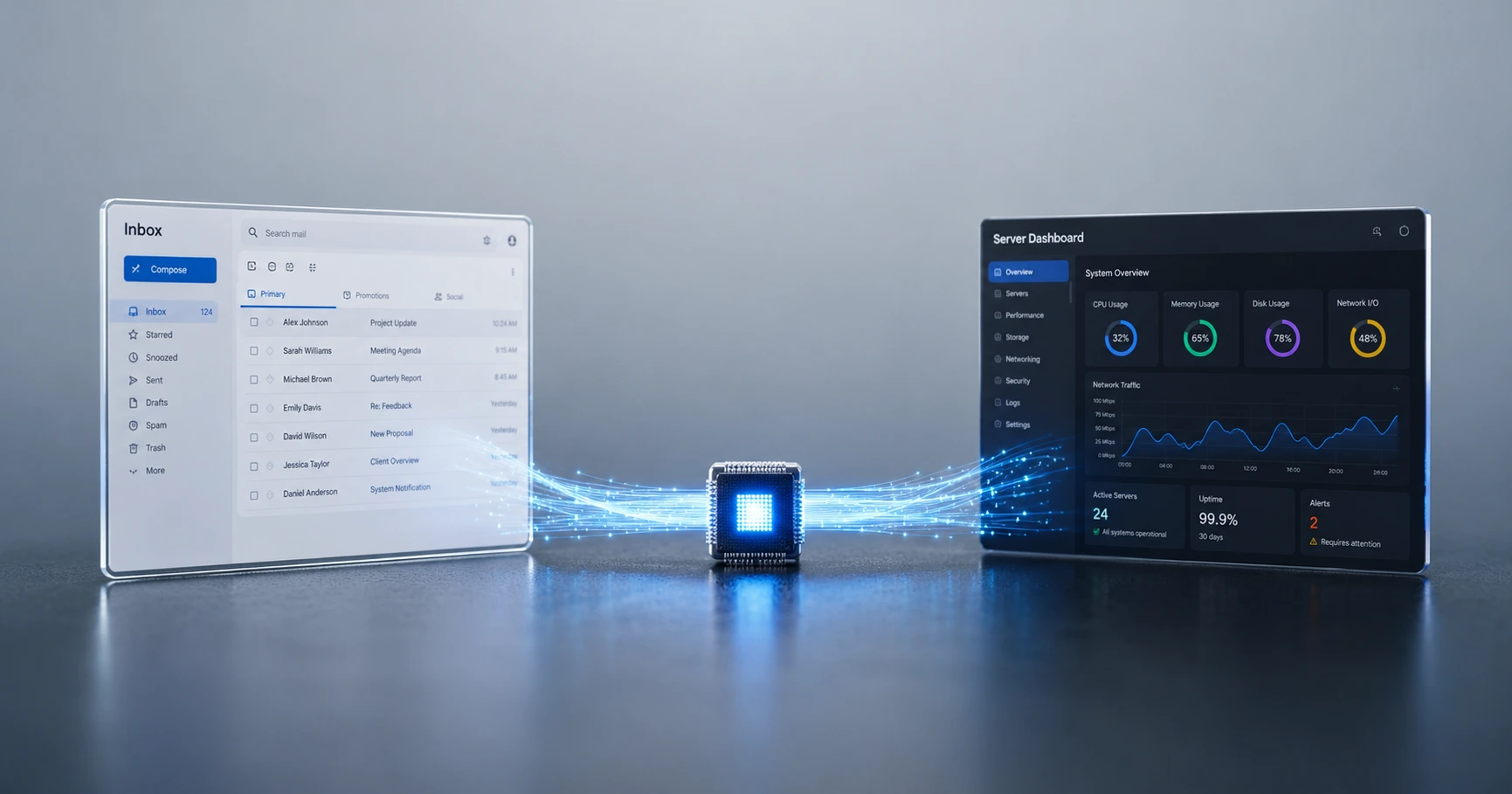
Email tracking relies on standard web architecture, specifically the downloading of an invisible 1x1 image.

Try MailPing for free
Generate an invisible, proxy-aware tracking link to confidently verify when your important emails are opened. No CRM required, zero inbox access.
Related Questions
Do people know when I request a read receipt?
Yes. When you use a traditional read receipt (like the ones built into Outlook or enterprise Google Workspace), the recipient is greeted with a highly visible pop-up dialog box when they open your email. This box explicitly asks them to click a button confirming they have read the message, which makes your tracking attempt obvious.
Why do standard read receipts fail to work?
Standard read receipts fail because they rely on active recipient consent. Because the pop-up is intrusive, most users instinctively click 'No' or 'Dismiss', meaning you never receive the delivery data even though they successfully read your email. Pixel-based tracking bypasses this failure by relying on passive, server-level image downloads.