Open Tracking vs. Click Tracking: What is the Difference?
Executive Summary
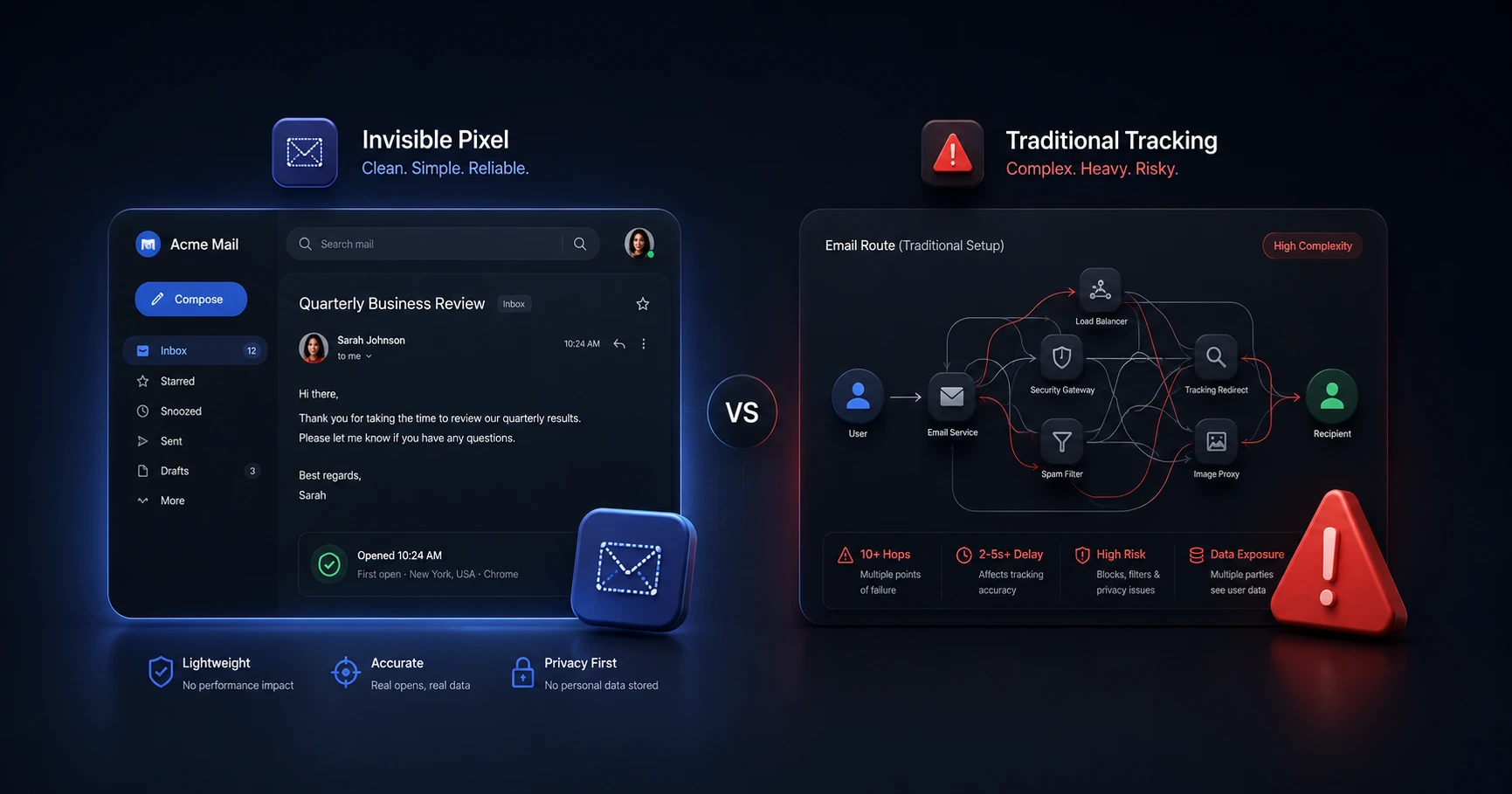
Email open tracking relies on a passive, invisible image load, while click tracking actively intercepts and redirects user clicks. For independent professionals sending 1-to-1 emails, open tracking is the safer, frictionless choice. Click redirects frequently trigger spam filters and security warnings, severely damaging your sender reputation.
How Email Open Tracking Works
Open tracking uses standard web architecture to passively record when an email is viewed. It works by embedding a microscopic, transparent image—known as a 1x1 pixel—into the body of your message. When the recipient opens the email, their mail client automatically requests this image from a server. The server then securely logs the exact time of the download, confirming the email was read.
Because it relies on the same mechanics used to display logos or signature photos, open tracking is completely frictionless. If you understand how email tracking works, you know that a clean, unbranded pixel operates silently in the background without altering the content or destination of your message.
The Mechanics of Click Tracking
Click tracking operates by fundamentally altering the hyperlinks inside your email. Instead of sending the recipient directly to your intended website (like a portfolio link or an invoice portal), a CRM or tracking software rewrites the URL.
When the recipient clicks the link, they are briefly routed to a third-party tracking server. This server logs the interaction and then instantly performs a "URL redirect," pushing the user to the final destination. While this allows marketers to see exactly which links were clicked, it requires active interception of the user's web traffic.
Why Click Tracking Triggers Spam Filters
The primary drawback of click tracking is the mismatched domain problem, which heavily impacts deliverability. Modern email security software is designed to protect users from phishing—a malicious tactic where an attacker masks a dangerous link behind legitimate-looking text.
If you write out "www.mywebsite.com" in your email, but a click tracker rewrites the underlying code to route through "track.crm-software.com" first, you trigger a massive red flag. The email provider sees that the visible text does not match the actual destination. This is a primary reason why bloated trackers end up triggering spam filters and landing your critical correspondence in the junk folder.
Open Tracking vs. Click Tracking for Professionals
For 1-to-1 business correspondence, invisible open tracking is the superior standard. Mass marketers rely on click tracking because they send thousands of emails and need to measure overall campaign engagement. However, independent professionals have different goals.
If you are managing strategic 1-to-1 email communication, your priority is ensuring your proposal or invoice actually reaches the client's inbox and knowing precisely when it was reviewed. You cannot afford to risk a spam filter placement just to see if a client clicked a link they already asked for. MailPing's architecture focuses exclusively on proxy-aware open tracking via an invisible 1x1 pixel, providing accurate timeline data with zero negative impact on your domain reputation or deliverability.
Explore the Tracking Fundamentals Cluster
How Email Tracking Works: The Ultimate Guide to Pixels and Proxies
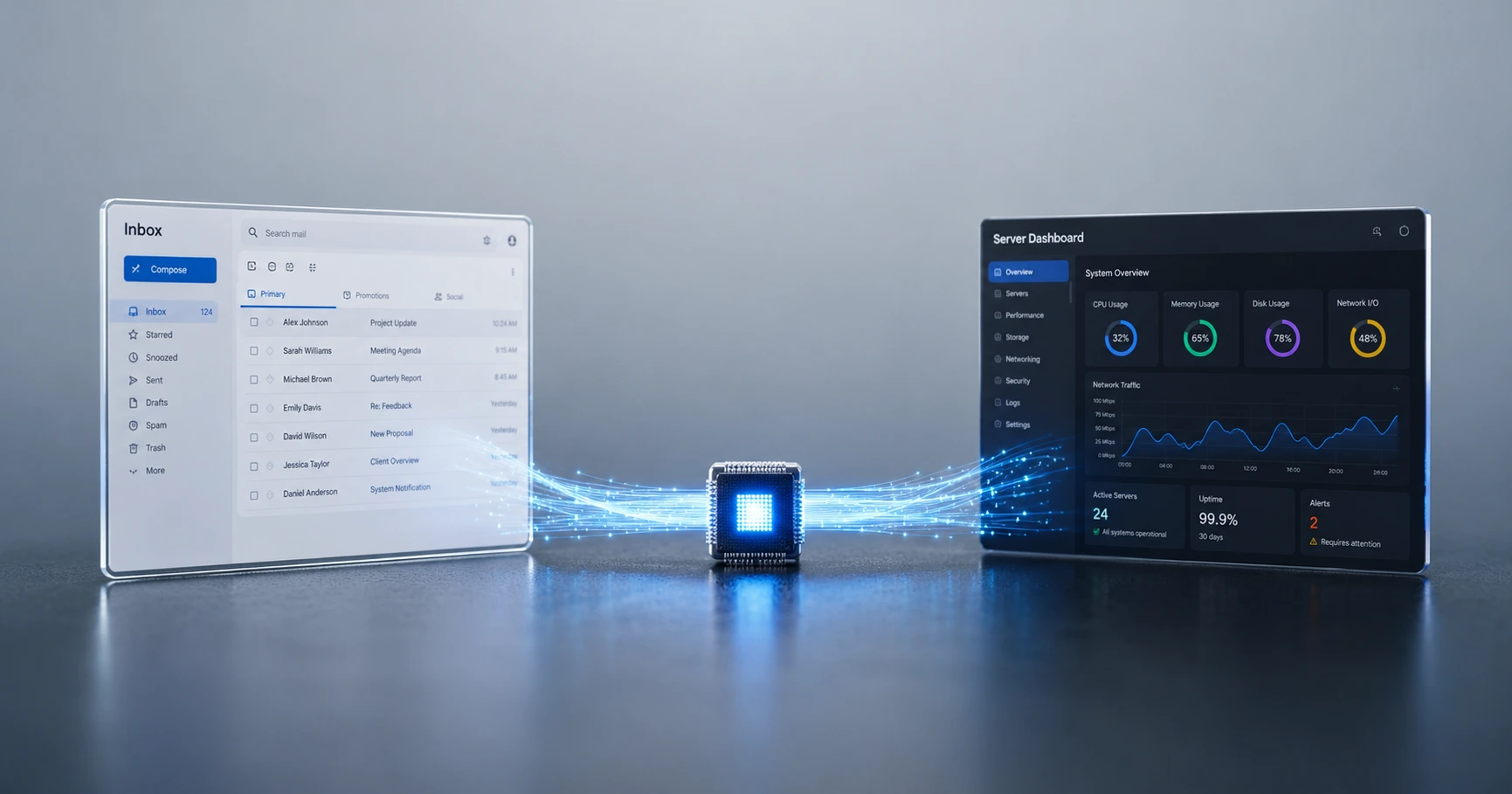
Email tracking relies on standard web architecture, specifically the downloading of an invisible 1x1 image.

Try MailPing for free
Generate an invisible, proxy-aware tracking link to confidently verify when your important emails are opened. No CRM required, zero inbox access.
Related Questions
What is the difference between email open tracking and click tracking?
Open tracking uses an invisible 1x1 image embedded in the email to confirm when a message is viewed. Click tracking modifies the hyperlinks inside your email, forcing the user through a tracking server before redirecting them to the final destination. While MailPing uses invisible open tracking for seamless delivery, click tracking is more invasive.
Does click tracking make my email look like spam?
Yes, click tracking frequently triggers spam filters. Because the visible text of your link does not match the hidden redirect URL, security scanners often flag the email as a potential phishing attempt, damaging your deliverability. Using a standalone, unbranded open tracker avoids this problem entirely.