How Email Tracking Works: The Ultimate Guide to Pixels and Proxies
Executive Summary
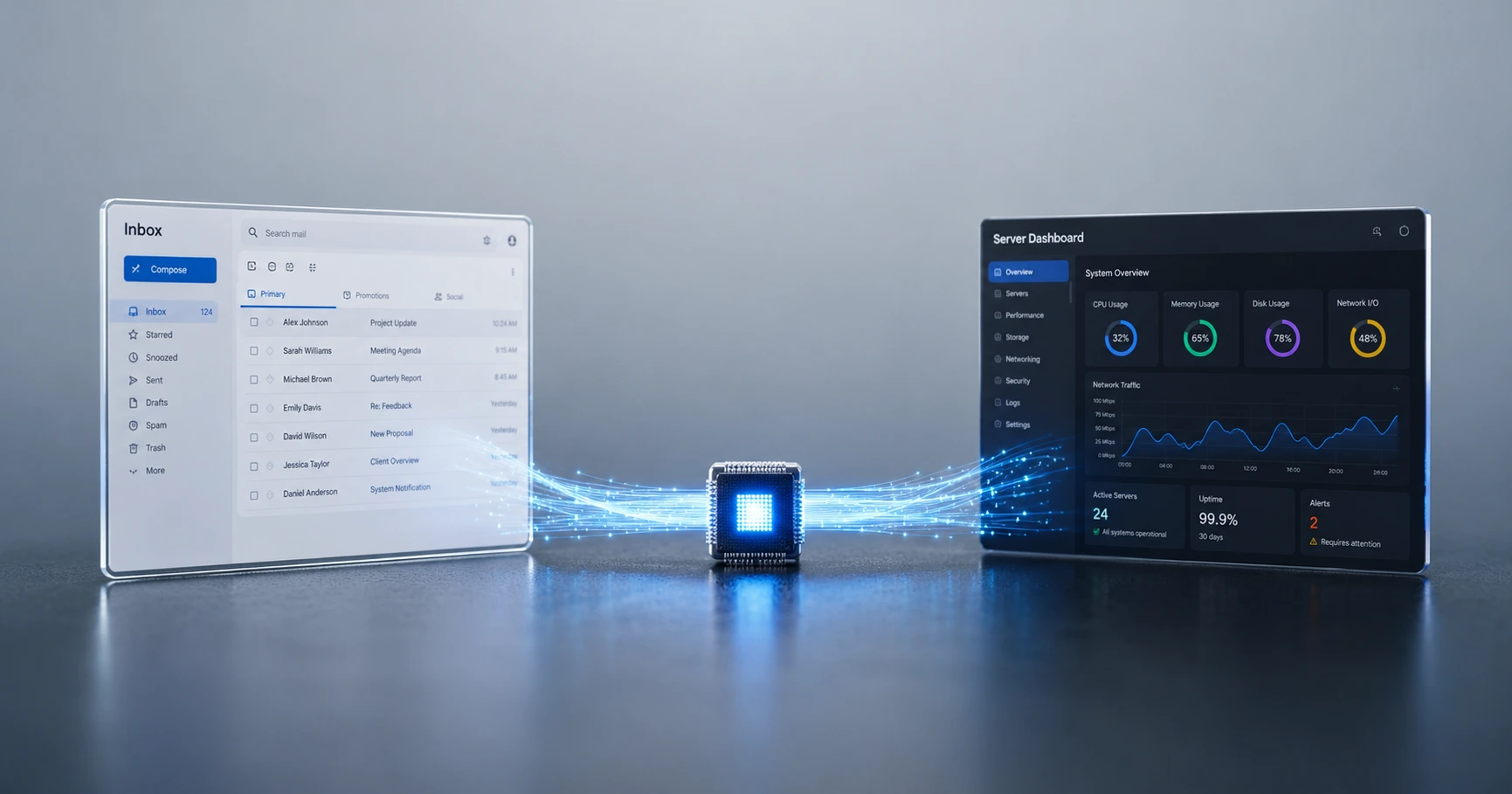
Email tracking relies on standard web architecture, specifically the downloading of an invisible 1x1 image. It is not a virus or a hack; it simply utilizes the basic mechanics of how email clients load graphics. By understanding how this pixel interacts with modern proxy servers, professionals can securely track delivery without relying on bloated, invasive CRMs.
The Core Web Mechanic: What is an Invisible Pixel?
The technology behind email tracking is surprisingly simple, relying on the same mechanics used to load everyday websites. When you send a tracked email, you are actually embedding a microscopic, completely transparent image file—usually sized at 1x1 pixel—into the body of your message.
Because this image does not physically exist inside the text of the email itself, the recipient's mail application (like Gmail or Outlook) must ping an external server on the internet to download it. The moment that ping occurs, the server logs the exact timestamp, creating your read receipt. To fully demystify this technology and see how it avoids triggering spam filters, read our deep-dive into what an email tracking pixel actually is.
Frictionless Tracking vs. Traditional Read Receipts
Before invisible pixels became the industry standard, professionals had to rely on traditional "Read Receipts" native to applications like Microsoft Outlook. This legacy system requires the recipient to actively click a pop-up window acknowledging they read the message.
The fatal flaw of traditional read receipts is friction. They feel intrusive, and the vast majority of recipients simply click "No" when prompted, leaving the sender completely in the dark. Pixel-based tracking happens silently at the network level, providing frictionless delivery confirmation. For a complete comparison of the two workflows, check out our guide on email tracking vs read receipts.
Open Tracking vs. Link Redirects
A major point of confusion for everyday users is the difference between knowing an email was opened and knowing if a specific link inside the email was clicked. While both provide data, they use entirely different internet protocols.
Open tracking utilizes the invisible 1x1 image download. Click tracking, however, takes your original URL and masks it behind a redirect server. Because phishers frequently use malicious URL redirects to steal passwords, aggressive spam filters often penalize emails containing click trackers. For 1-to-1 professional correspondence, invisible open tracking is the safest standard. We break down the exact deliverability risks in our article on open tracking vs. click tracking.
Data Transparency: What Is Actually Collected?
A common misconception is that email trackers can "hack" into your inbox, read your replies, or steal your passwords. This is entirely false. Because the pixel is just a basic image request, it can only see standard network data.
While mass marketing platforms attempt to aggressively harvest this data to build behavioral profiles, ethical 1-to-1 tracking focuses purely on delivery logistics. A clean pixel captures timestamps, general geographic locations based on the network subnet, and the ISP routing the traffic. To understand exactly how modern tools utilize edge-level masking to protect privacy, read our breakdown of what data email tracking actually collects.
The Need for Proxy-Aware Engines
As privacy concerns have grown, major email providers have fundamentally changed how they handle images. For example, if you send an email to a Gmail address, Google's servers will intercept the email and download the pixel themselves using the "Google Image Proxy" before the human user ever opens it.
Legacy tracking software blindly records this Google server ping as a human open, polluting your dashboard with immediate, fake engagement data. To solve this, tracking must be proxy-aware. By mathematically identifying server data centers and filtering out automated network footprints, elite tracking engines maintain absolute timeline accuracy. Learn why this feature is critical in our guide to proxy-aware email tracking.
Explore the Tracking Fundamentals Cluster
How Email Tracking Works: The Ultimate Guide to Pixels and Proxies
Email tracking relies on standard web architecture, specifically the downloading of an invisible 1x1 image.

Try MailPing for free
Generate an invisible, proxy-aware tracking link to confidently verify when your important emails are opened. No CRM required, zero inbox access.
Related Questions
How do invisible tracking pixels work?
An invisible tracking pixel is simply a microscopic, 1x1 image embedded into an email. Because it is an image file hosted on a server, the recipient's email application must connect to the internet to download it. When this connection happens, the server logs the exact time of the request, securely generating a read receipt.
Is email tracking a virus or malware?
No, professional email tracking is not a virus or malware. It relies on standard, safe web architecture—the exact same mechanism your browser uses to download the logo of a website. Tools like MailPing use an unbranded, zero-impact protocol that never executes malicious code or requires invasive inbox permissions.