Does Email Tracking Work if Images are Blocked?
Executive Summary
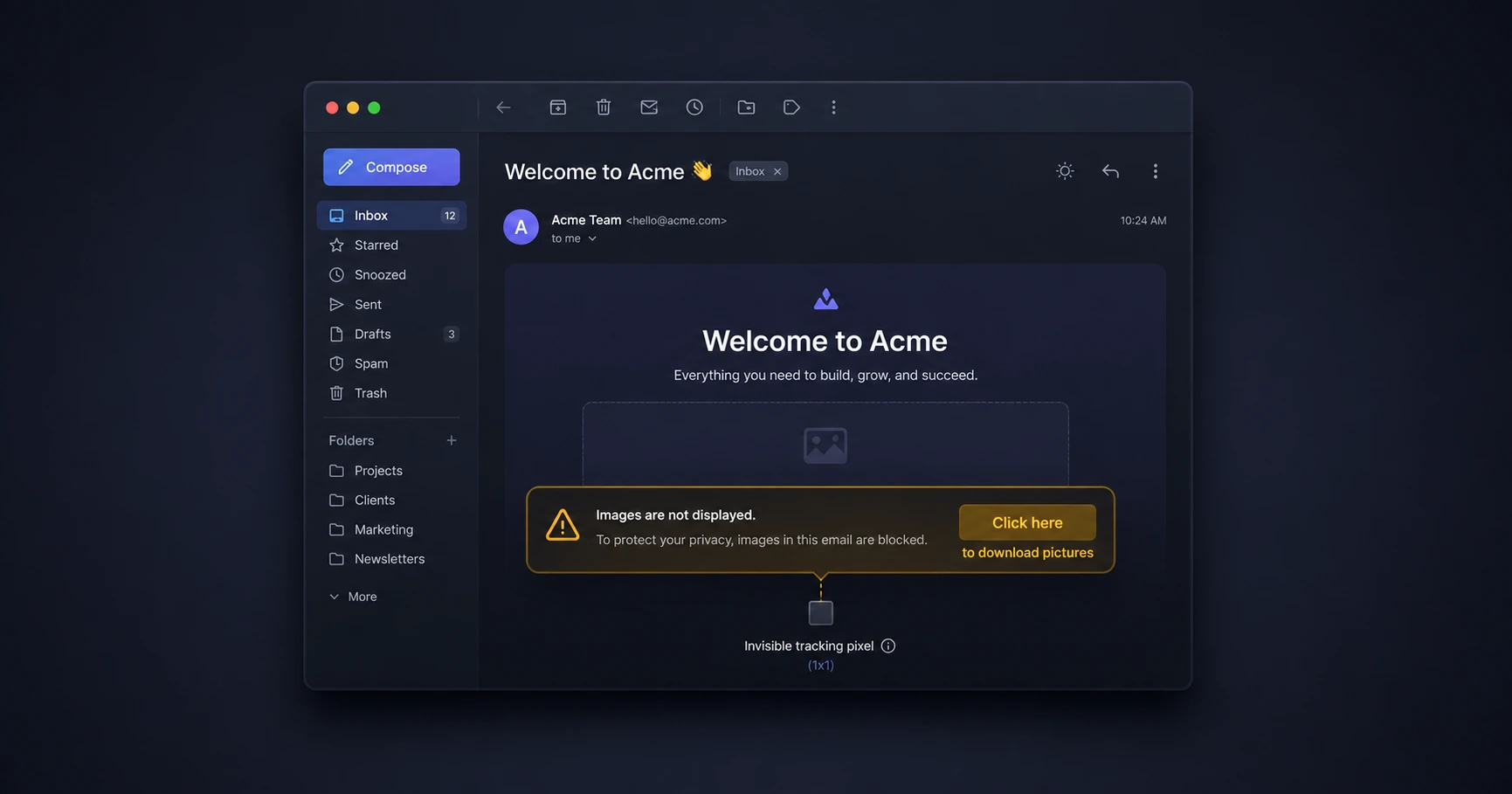
No, email tracking cannot function if the recipient's email client actively blocks images from downloading. Because modern delivery confirmation relies entirely on a remote 1x1 image pixel being fetched from a server, any software that pauses image downloads will temporarily pause your tracking data until the user explicitly permits the images to load.
The Mechanic of the 1x1 Image Pixel
To understand why image blockers stop email tracking, you have to understand the fundamental technology behind the open event. As we detailed in our guide on how email tracking works, true engagement metrics do not rely on read-receipt popups or browser extensions. Instead, they rely on standard web architecture.
An email tracking link is simply an HTML tag requesting an invisible, 1-pixel-by-1-pixel image. When the recipient opens the email, their mail software attempts to render the email by downloading all associated images (like company logos, signature headshots, and the hidden 1x1 pixel) from the external server. It is this exact download request that logs the timestamp and registers as an "open."
Why Certain Email Clients Block Images
Many enterprise email clients, such as Microsoft Outlook, or privacy-focused apps like Mozilla Thunderbird, disable automatic image downloads by default. This is primarily a security measure to prevent users from accidentally downloading malicious payloads hidden in image files, but it also serves as a privacy shield against aggressive marketing campaigns.
If you are wondering why your email tracking is not working despite knowing the client received the message, an image blocker is the most common culprit. Until the software allows external connections to fetch the visual assets, your 1x1 pixel remains dormant on the server.
What Happens When the User Clicks "Download Pictures"
The tracking block is only temporary; it lifts the moment the user decides to view the email's visual content. When a recipient opens an email with blocked images, they usually see an information bar that reads: "Click here to download pictures. To help protect your privacy, Outlook prevented automatic download of some pictures in this message."
If the recipient clicks that banner to view your signature logo or embedded graphics, the mail client instantly fetches all images—including your invisible tracking pixel. At that exact second, the open event successfully fires and is logged to your timeline.
Maximizing Tracking Success Through Trust
While you cannot force an email client to download images, you can drastically increase the likelihood that a recipient will allow them by maintaining a clean, professional email footprint.
If you use a bloated CRM tracker that forces heavy branding, visible promotional links, or messy HTML into your messages, you risk triggering spam filters, which guarantees your images will never be seen. MailPing takes a zero-impact approach. By providing a purely standalone, unbranded 1x1 pixel, your email retains a perfect plain-text appearance. When communicating 1-to-1 with clients or prospects, this minimalist presentation builds trust, ensuring they add you to their safe sender list, which permanently enables image downloads for all your future correspondence.
Explore the Troubleshooting & Fixes Cluster
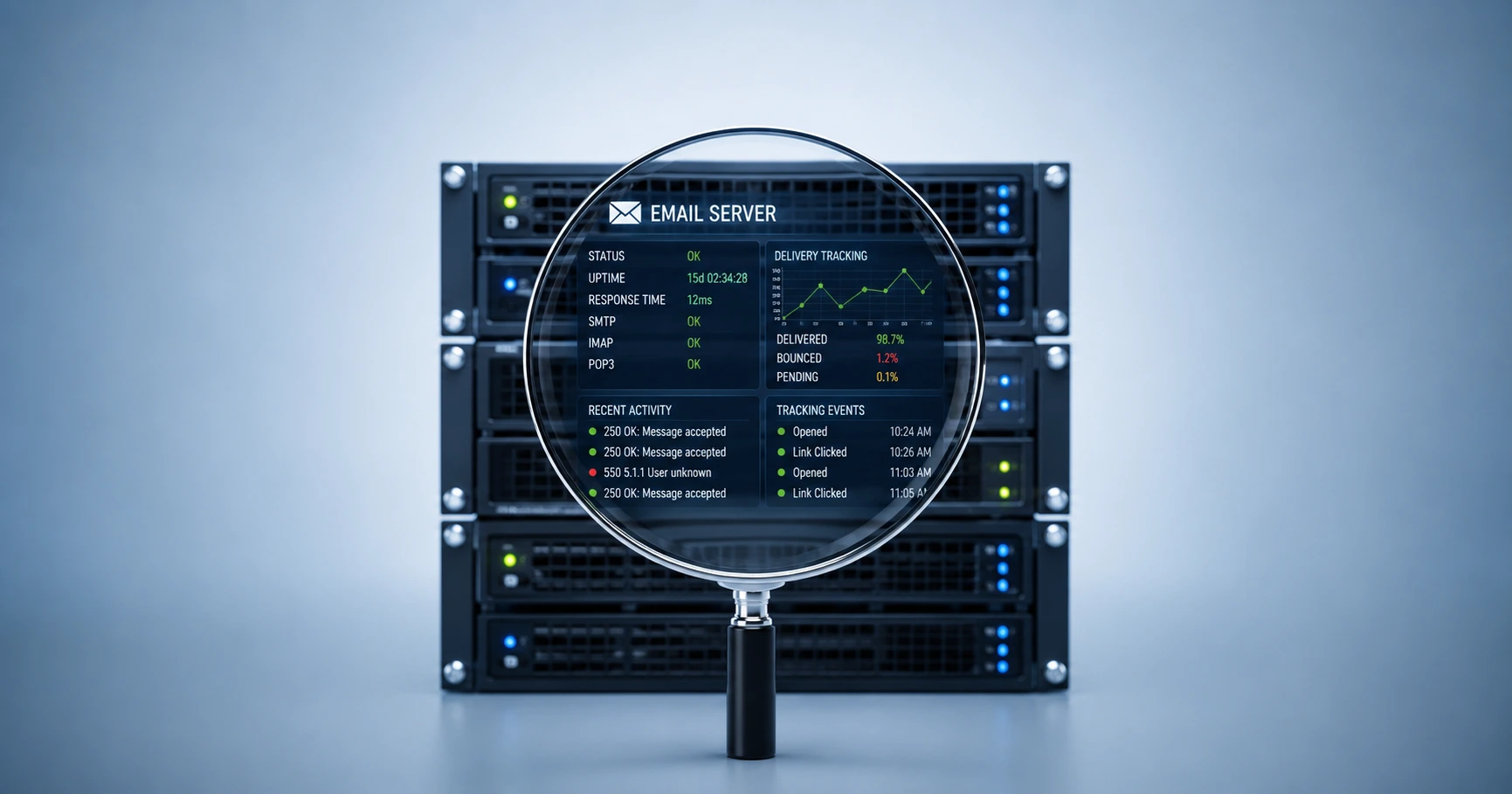
Why Is My Email Tracking Not Working? The Complete Troubleshooting Guide
A proxy-aware tracking engine combined with proper testing protocols resolves false metrics and image blocking issues.

Try MailPing for free
Generate an invisible, proxy-aware tracking link to confidently verify when your important emails are opened. No CRM required, zero inbox access.
Related Questions
Can you track an email if the recipient doesn't download pictures?
No, email tracking cannot occur if the recipient refuses to download pictures. Because the open event is recorded by the server when the invisible 1x1 image is fetched, blocking images prevents the pixel from loading, rendering the tracking mechanism inactive.
How do image blockers affect email read receipts?
Image blockers stop pixel-based read receipts entirely until the user manually allows images. However, if you establish trust and the recipient clicks 'Download Pictures' or adds you to their safe sender list, tracking resumes normally. Using a clean, unbranded pixel like MailPing helps maintain this trust by keeping your email looking professional.