Why Does My Tracked Email Show as Opened Immediately?
Executive Summary
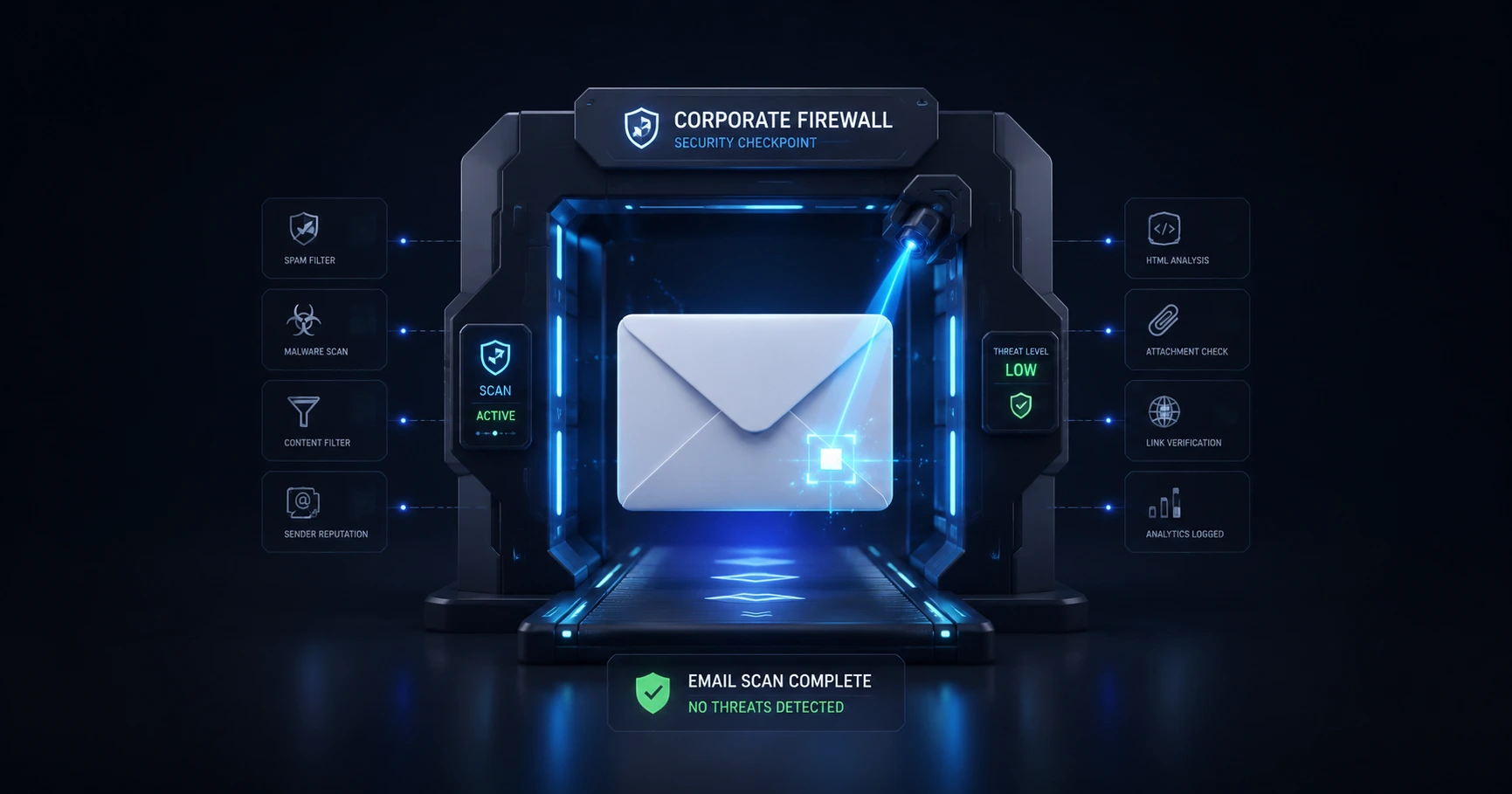
If an email registers an open within seconds of sending, it was almost certainly scanned by an automated security firewall or a proxy server checking for malware. While modern trackers automatically filter out major data centers like Apple and Google, the internet is full of obscure corporate firewalls. By treating instant opens with suspicion and reviewing the transparent network logs provided by MailPing, you can easily deduce whether an event was a bot or a real human.
The Reality of the "Instant Open"
You hit "Send" on a proposal, and five seconds later, you get a notification that the email was opened. It feels like a massive win, but mathematically, it is almost impossible. Email tracking relies on downloading a 1x1 image from a server. For a human to read an email within five seconds, the message must instantly traverse the internet, land in their inbox, be noticed immediately by the user, and clicked open—all without a moment's hesitation.
In reality, instant opens are caused by security bots. When you send an email to a professional address, it hits the recipient's corporate mail server before it ever reaches their actual screen. Security software on that server (like Barracuda, Proofpoint, or Mimecast) aggressively scans the email for phishing links and malware. To do this, the firewall automatically downloads all attached images—including your tracking pixel. To a basic tracking tool, this automated rapid-fire security scan looks exactly like a human opening the message.
Major Proxies vs. Enterprise Firewalls
Not all automated bots are created equal. The email ecosystem is dominated by a few massive players, specifically Google Workspace (which uses Google Image Proxy) and Apple Mail (which uses Apple Mail Privacy Protection). These systems also download images automatically to cache them.
MailPing has extensively studied these major proxy networks. Our proxy-aware engine mathematically recognizes the network signatures of Apple and Google and automatically filters them out of your timeline. However, while the major proxies are mapped, there are thousands of lesser-known enterprise firewalls and private corporate servers across the globe. No tracker can automatically filter every single proprietary firewall without accidentally deleting real human opens.
The "Suspicion Window" Protocol
Because obscure firewalls cannot be completely suppressed, professional users must adopt a simple diagnostic protocol: The Suspicion Window.
Any network event that appears in your tracking timeline within 10 to 30 seconds after clicking send should be treated with high suspicion. It is highly unlikely a human engaged with your email that quickly. When you see an immediate hit, you should assume it is a firewall checking the email at the corporate gateway. The true human open will typically appear minutes or hours later as a separate, distinct event on your timeline.
Using Logs to Solve the Mystery
Legacy email trackers fail because they give you a push notification that says "Email Opened," offering no context to help you deduce if it was a human or a firewall. This is the core MailPing difference.
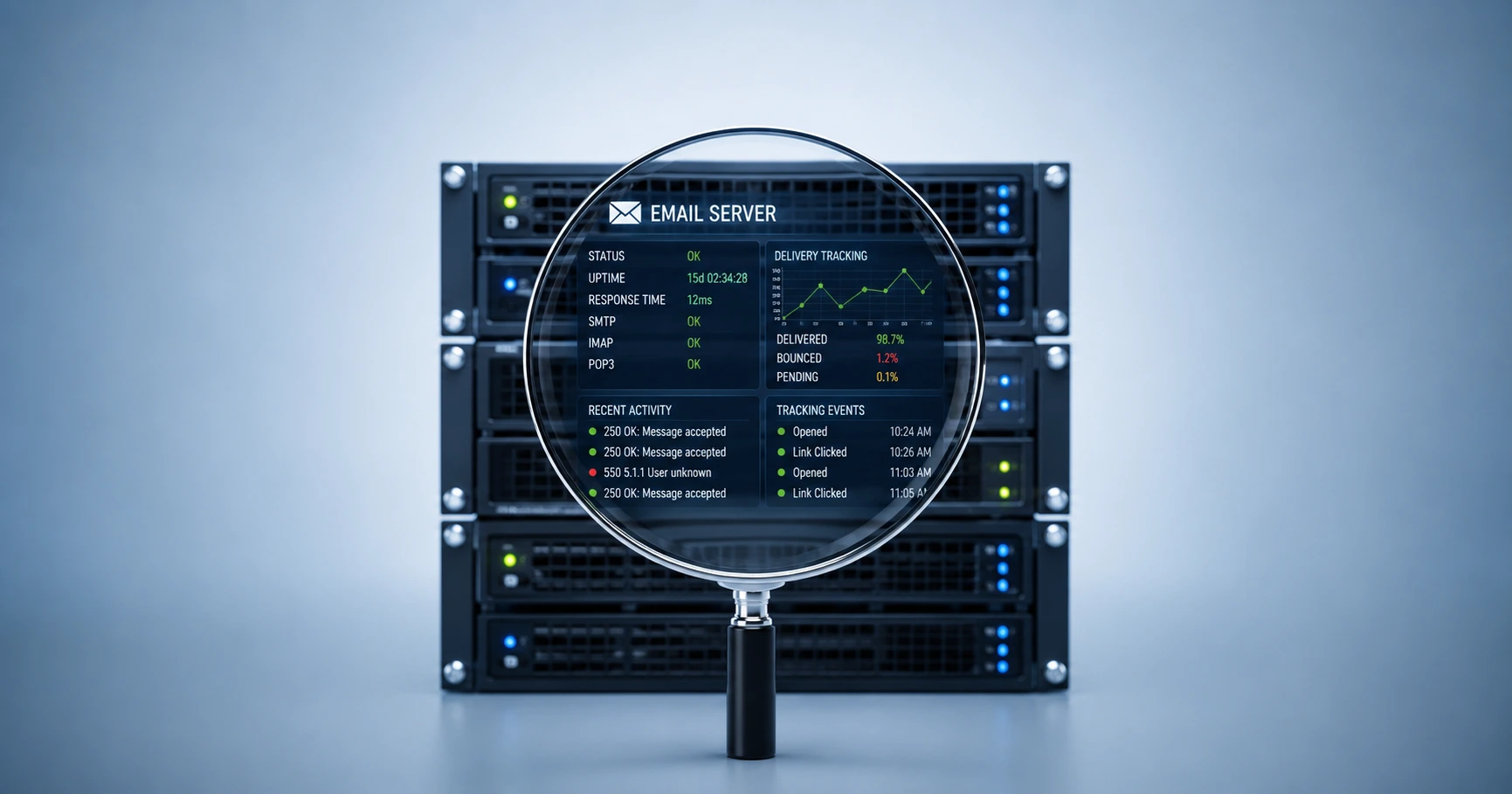
MailPing provides completely transparent network logs for every interaction, making it incredibly easy to come to accurate conclusions. If an email registers an instant open, look at the timeline event. MailPing shows you the connecting Network (ASN), the Country, and the edge-masked IP address. If your client is an accountant in Chicago, but the immediate open came from an "Amazon Web Services" or "Mimecast North America" data center, you instantly know it was a bot. You can confidently dismiss the noise and wait for the real engagement to occur.
Explore the Troubleshooting & Fixes Cluster
Why Is My Email Tracking Not Working? The Complete Troubleshooting Guide
A proxy-aware tracking engine combined with proper testing protocols resolves false metrics and image blocking issues.

Try MailPing for free
Generate an invisible, proxy-aware tracking link to confidently verify when your important emails are opened. No CRM required, zero inbox access.
Related Questions
Why did my email track an open before the recipient saw it?
When you send an email, it does not travel directly to the recipient's screen. It passes through several security checkpoints. Corporate firewalls and automated proxy servers often scan all incoming mail for malware by rapidly downloading all attached images, including your tracking pixel. To a basic tracker, this security scan looks like an instant human open.
How can you tell the difference between a bot and a real human opening an email?
The fastest way to identify a bot is timing: any open that occurs within seconds of clicking 'Send' should be treated with high suspicion. Furthermore, you can identify bots by examining the network data. MailPing provides transparent logs showing the connecting Network (ASN) and Country. If an email is opened instantly by an Amazon Web Services (AWS) data center, you can confidently conclude it was an automated scan.