Why Email Tracking Extensions Are a Security Risk (And How to Track Safely)
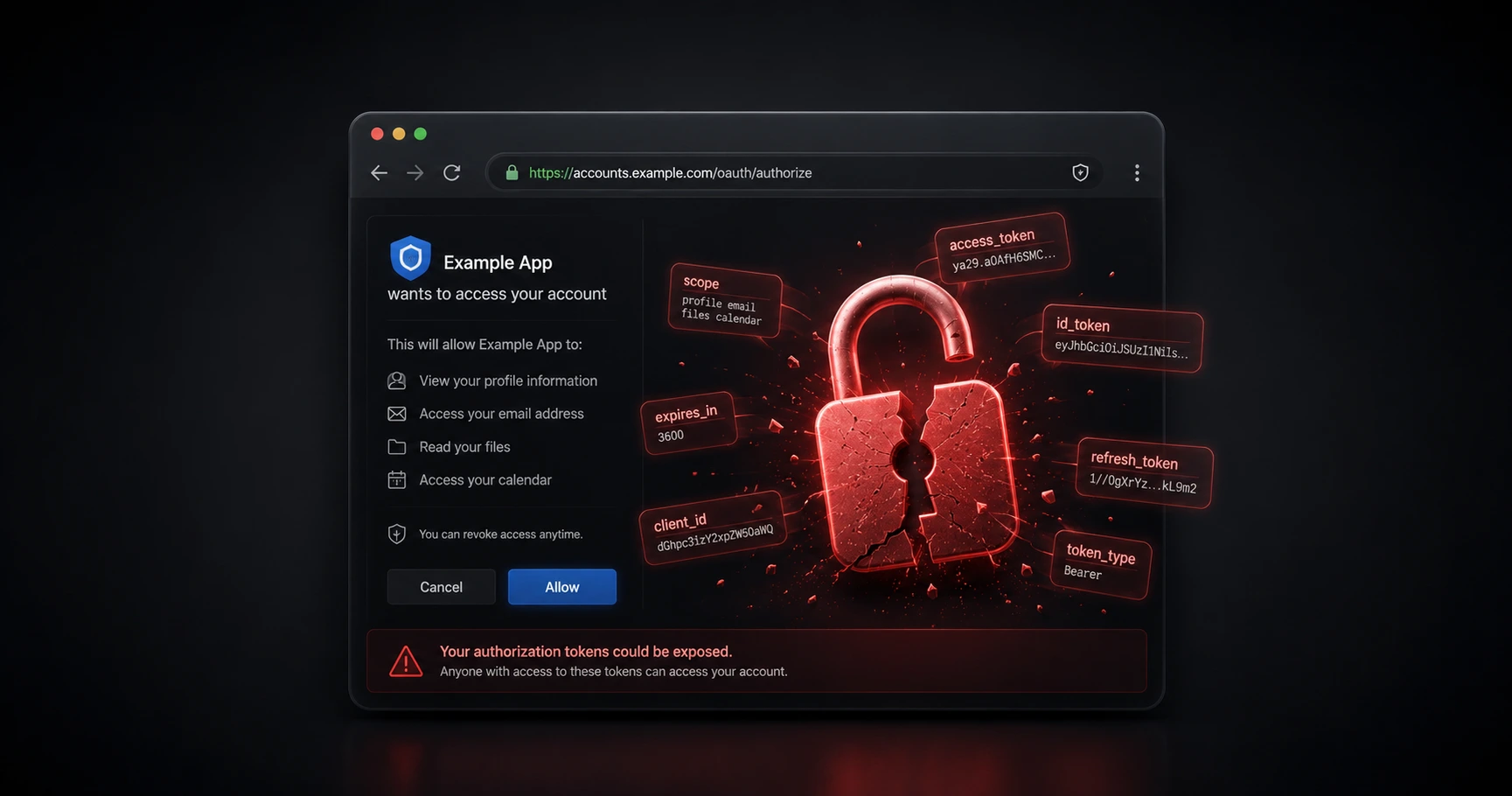
Executive Summary
Most email tracking browser extensions require sweeping OAuth permissions, giving third-party companies the ability to read, write, and delete your private emails. This creates a severe vulnerability in your personal security infrastructure. By utilizing a standalone pixel generation engine, professionals can track their correspondence with absolute zero inbox access, removing the security risk entirely.
The Danger of OAuth and Inbox Permissions
When you install a tracking extension for your email provider, you are usually prompted to grant an OAuth permission token. OAuth is an open standard for access delegation, commonly used as a way for internet users to grant websites or applications access to their information on other websites without giving them the passwords.
The problem arises from the scope of these permissions. To automatically inject tracking pixels and update your interface, most CRM plugins demand the highest level of access: the ability to read, compose, send, and permanently delete all your emails. While you might just want to know if an invoice was opened, you are handing over the keys to your entire digital life. If the extension developer suffers a data breach, your sensitive communications—including password resets and financial documents—could be exposed. This level of access goes far beyond the boundaries of minimalist email tracking.
Browser Extensions and Code Injection Risks
Browser extensions operate by physically injecting JavaScript code into the web pages you visit, including your webmail client. This code injection can cause significant secondary issues.
First, it leaves you vulnerable to Cross-Site Scripting (XSS) attacks or malicious updates if the extension is ever sold to a bad actor. Second, these extensions often inject bloated, branded HTML signatures into your outgoing messages. Not only does this secretly alert the recipient that they are being tracked (which we cover in our guide on recipient visibility), but the bloated code severely damages your sender reputation, frequently triggering spam filters.
The Standalone Pixel Alternative: How to Track Safely
You do not need to give a third party access to your inbox to track an email. The core mechanics of delivery confirmation rely entirely on standard internet protocols. If you understand how invisible tracking pixels work, you know that the tracking event happens on the server that hosts the image, not inside your email client.
The most secure method for independent professionals is zero-inbox-access tracking. This involves logging into a standalone dashboard, generating a unique image URL, and pasting it into your email using your client's native "Insert Image" tool (which you can learn more about in our app setup guide). By decoupling the tracking engine from your mail client, MailPing guarantees precise, proxy-aware analytics while ensuring it remains technically impossible for the system to ever read or access your private communications.
Explore the Privacy & Legal Cluster

Is Email Tracking Legal? A Guide to Privacy, GDPR, and 1-to-1 Tracking
Email tracking is fundamentally legal, but the regulatory framework changes drastically depending on your intent.

Try MailPing for free
Generate an invisible, proxy-aware tracking link to confidently verify when your important emails are opened. No CRM required, zero inbox access.
Related Questions
Are email tracking extensions safe to use?
Most browser-based email tracking extensions require extensive OAuth permissions, giving third-party servers the ability to read, write, and permanently delete your private emails. From a cybersecurity standpoint, granting this level of access to a non-essential tool is considered a high security risk. MailPing avoids this entirely by never integrating with your inbox.
Does MailPing read my personal emails?
No. MailPing utilizes a zero-inbox-access architecture. Because it operates as a standalone pixel generator rather than a browser extension, it is technically impossible for the system to read your inbox, see your contacts, or access the contents of the emails you send.